What waybill generation does for your shop
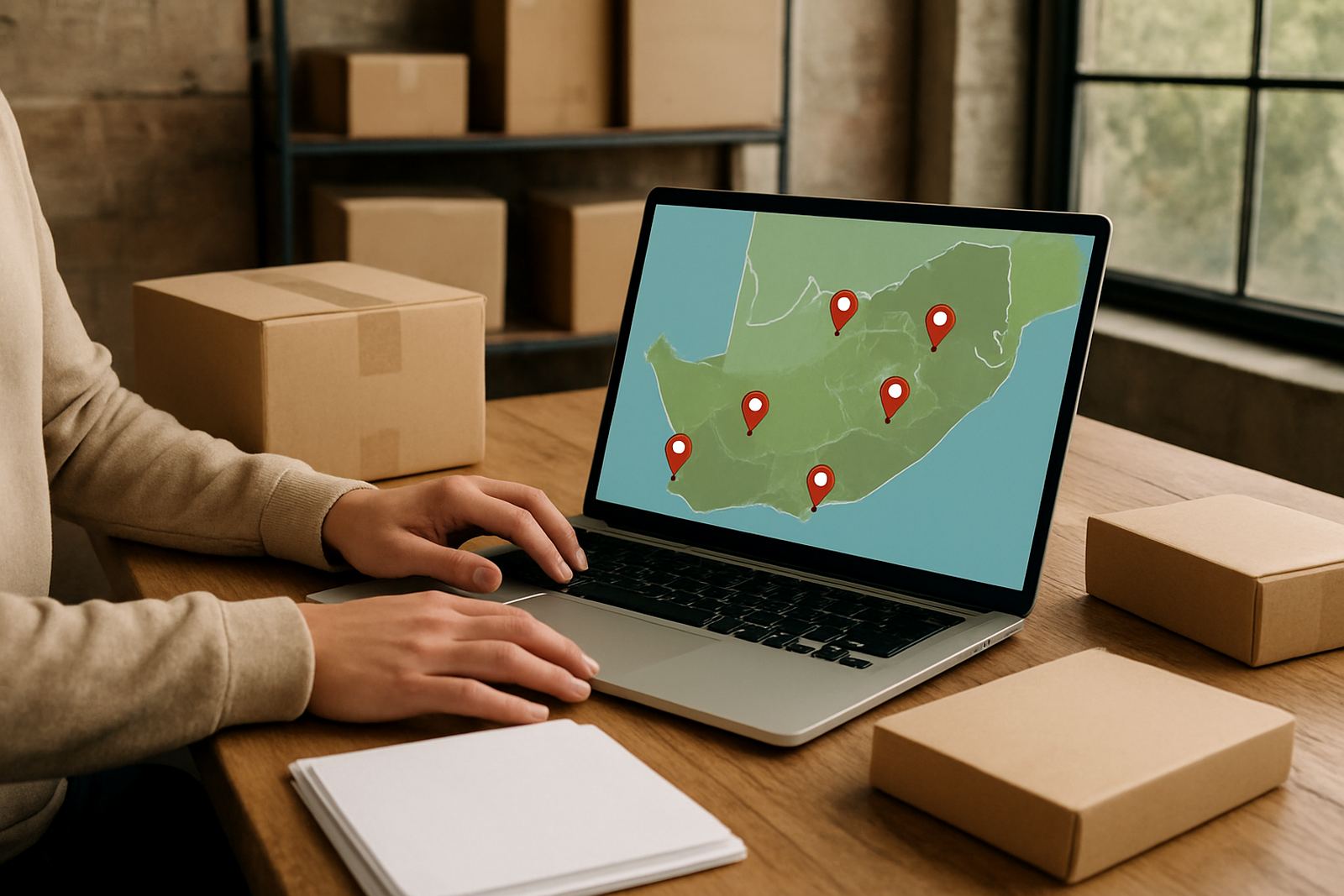
Waybill generation turns an order into the shipping paperwork a courier needs at pickup. Instead of filling in details by hand for every parcel, you can create the waybill inside the app and keep the order linked to the correct delivery job. That means addresses, contact details, parcel count and service type stay together, which helps when you are handling a mix of local and national deliveries.
For small online shops, the main benefit is order control. You can prepare waybills as soon as payment clears, print or save them for collection, and keep a clear record of what was booked. It also reduces admin errors like missing suburb names, wrong postcodes or duplicate parcels. If you are shipping from Woodmead, Midrand, Sandton or other busy metro areas, that kind of order tracking saves time every week.
Waybill options that suit different parcel volumes
The waybill tool is built for shops that send anything from one parcel a day to a steady stream of orders. You can generate single waybills for one-off shipments, or work through multiple orders when packing a batch. For sellers with regular customer demand, this helps keep the packing table moving without piles of handwritten notes or loose labels.
- Single parcel waybills for individual orders
- Multi-order processing for batch packing
- Local delivery waybills for same-city drops
- National delivery waybills for long-distance shipments
- Returns collection waybills for reverse logistics
The system also suits shops that ship mixed goods, such as clothing, accessories, beauty items, books or small home products. If your parcels vary in size and service level, you can match the waybill to the right courier option before the driver arrives. That keeps the handover smoother, even on busy days when orders come in after trading hours and load shedding has already started.
Where waybill generation fits best
This service suits online shops that need quick paperwork without building a large admin team. It is especially useful for businesses working from home offices, small storerooms, garage packing setups, or compact retail back rooms. In cities like Johannesburg, Pretoria, Cape Town, Durban and Gqeberha, many sellers need to get parcels out the same day, and the waybill is the last step before collection.
It is also a practical fit for sellers who ship in areas where weather or access can slow things down. Coastal humidity in Durban or Gqeberha can make printed labels smudge if they are not handled well, so clean waybill output matters. In places with municipal access rules, sectional title restrictions or strict security counters at offices, having the paperwork ready before pickup avoids delays at the gate. It just makes the handover simpler.
- Home-based online shops with limited admin space
- Small warehouses and stock rooms
- Retailers sending daily parcels to multiple provinces
- Businesses handling returns and exchanges
Setup, power and working conditions
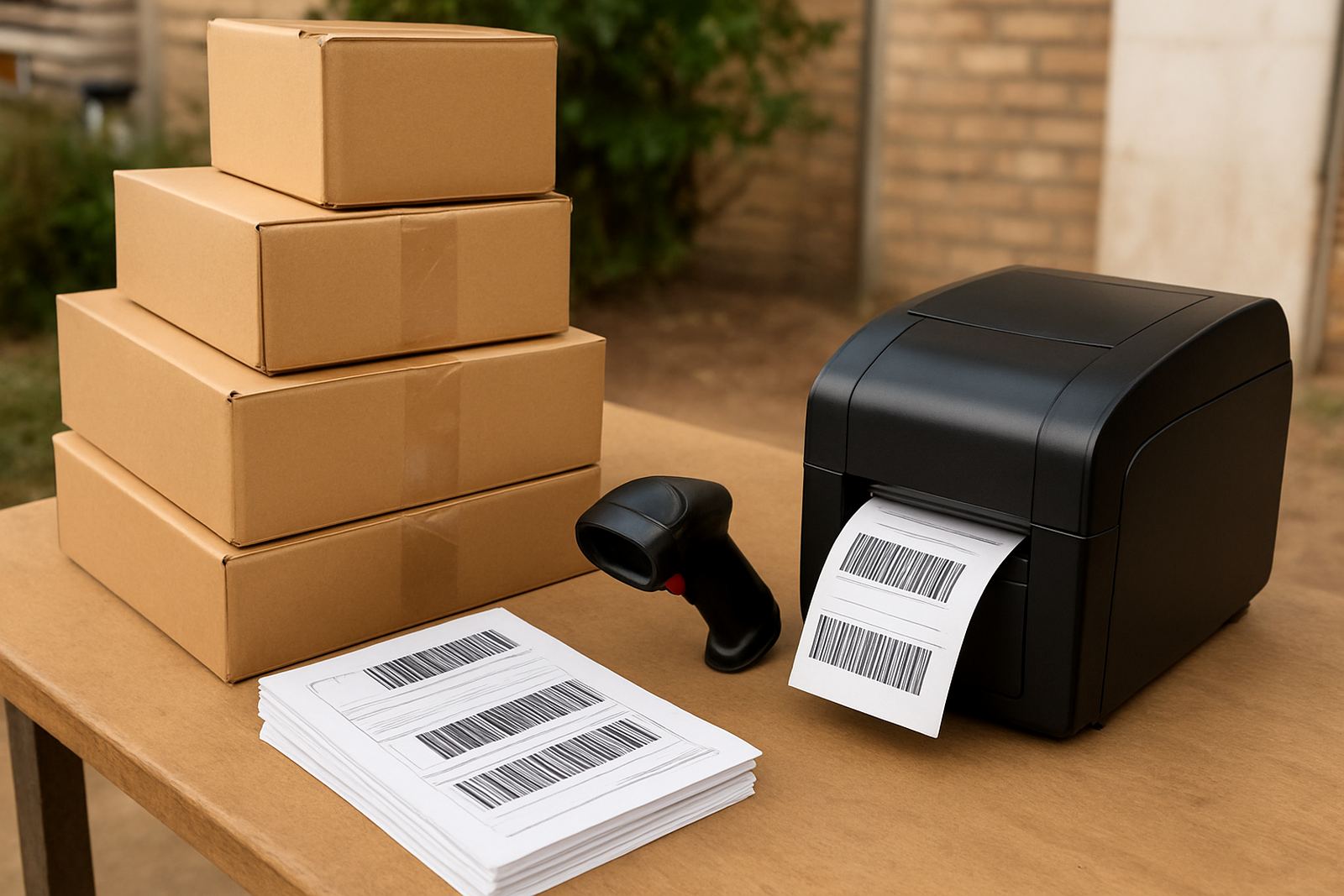
Waybill generation is handled inside the app, so there is no special gas or heavy equipment needed. Your main requirements are a stable internet connection, a phone or computer, and a printer if you want hard copies for the parcel bag or pickup point. A basic A4 printer is usually enough, although some shops prefer label printers for quicker sticking and neater parcel sorting.
If your area is affected by load shedding, it helps to have a backup plan. A charged laptop, a small UPS for the router or a power bank for a mobile device can keep the packing process going for a few hours. The system works best when the person packing orders can access the order list, confirm the delivery details and produce the waybill without waiting on another team member. That way the courier doesnt arrive before the parcel is ready.
- Internet access for order lookup and booking
- Printer or label printer for physical copies
- Optional UPS or backup power for outages
- Clear packing table space for sorting parcels
Care, checks and daily admin habits
Waybill generation does not need mechanical servicing, but your process still needs care. Keep the customer details accurate, check the parcel count before saving the waybill, and make sure the delivery address matches the suburb and postal code. A small mistake can slow the delivery or force a rebook. It is worth checking the phone number and delivery instructions as well, especially for gated estates, office parks and CBD drop-offs.
For printed waybills, store them in a dry place away from direct sun and moisture. In humid areas, paper can curl or fade if left near open windows. Replace ink cartridges before they start streaking, and keep a spare roll of labels if you use one. If your business handles multiple orders each morning, set up a simple routine: pack, verify, generate, print, attach, then stage for pickup. It sounds basic but it cuts mistakes fast.
What to check before you order waybill support
Before adding waybill generation to your shipping process, check the detail level you need. Some shops only need a basic parcel slip, while others need full shipment data, multi-order batching and return handling. Think about how many parcels you send in a week, whether you need local and national options, and if your team wants plain paperwork or a more structured admin flow.
You should also confirm your packing setup. Measure the space where parcels are sorted, check where the printer will sit, and think about how collections happen during busy periods. If your area has security access, limited loading space or fixed collection hours, build that into your process. The best setup is the one your team can use every day without hunting for missing details or retyping addresses. If the order is accurate at the start, the courier side runs much smoother.
- Expected parcel volume per day or week
- Need for single or batch waybill generation
- Printer type and paper size required
- Return collection handling
- Local, regional and national shipping mix
Key facts
| Product type | In-app shipping paperwork generation |
|---|---|
| Best for | Small online shops and daily parcel senders |
| Order handling | Single waybills and multi-order processing |
| Use areas | Johannesburg, Pretoria, Cape Town, Durban, Gqeberha |
| Power needs | No gas required, standard electricity only |
| Output | Printable A4 waybills or label-ready shipment details |