What Booking Confirmations Cover
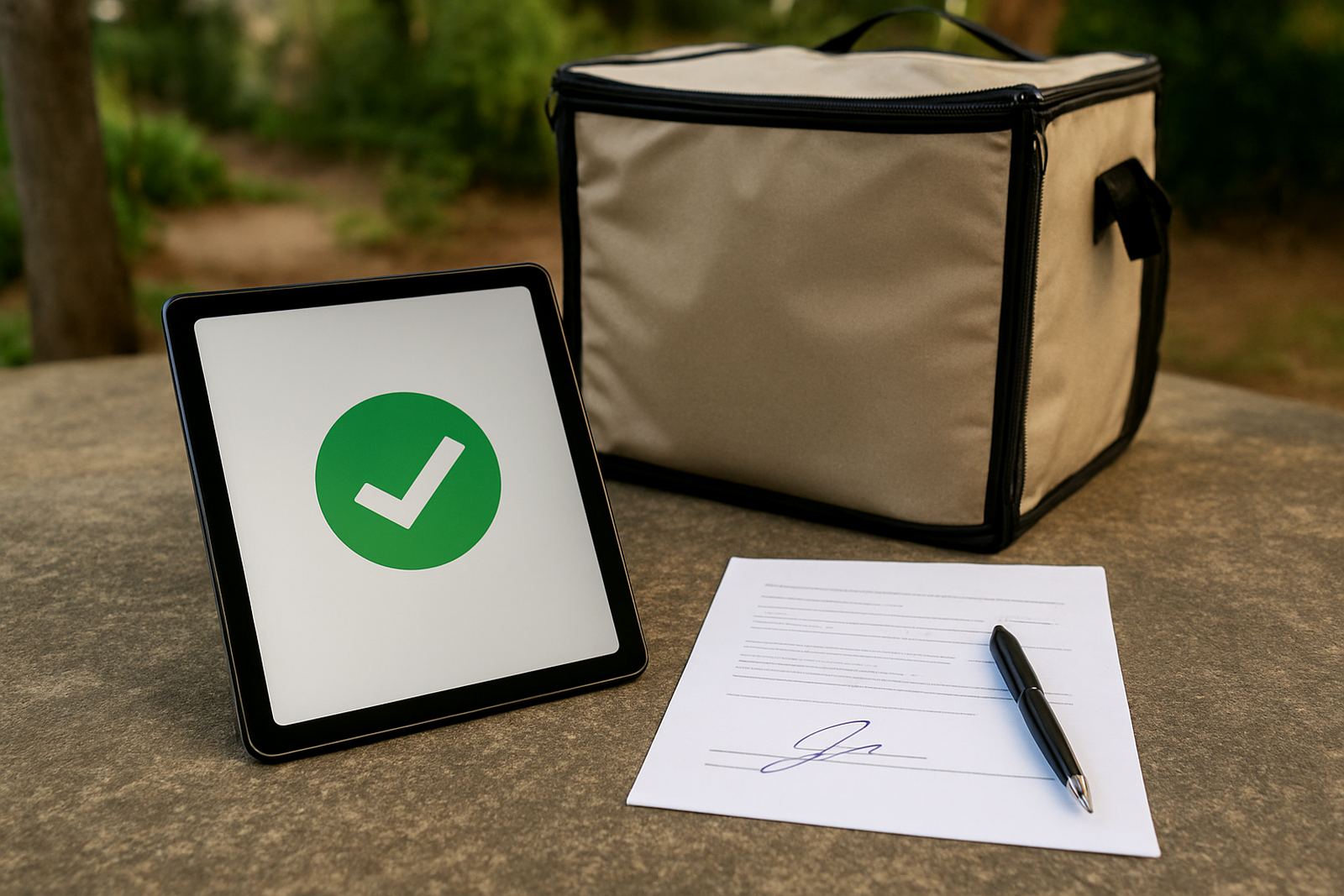
Booking confirmations are the record you get once a courier pickup or delivery booking has been completed through CourierThis. For a small online shop, that means no guessing whether the parcel is booked, no chasing a driver, and no digging through notes when a customer asks for an update. Each confirmation sets out the booking details in plain language so your team can check the shipment at a glance.
The service suits stores sending parcels from Johannesburg, Pretoria, Cape Town, Durban and Gqeberha, whether you are shipping a few orders a day or working through a larger batch after payday or a weekend sale. It is especially useful when different staff members handle sales, packing and dispatch, because the same confirmation can be used to keep everyone aligned.
Confirmation Options For Different Order Types
CourierThis supports confirmations for a range of booking types, so you can match the note to the shipment. Some shops need a simple pickup confirmation for one parcel, while others need a fuller record for multiple orders going out together. The aim is to keep the admin tidy without adding extra steps.
- Single parcel confirmations for one-off orders
- Multi-order confirmations for batch dispatch days
- Return collection confirmations for exchanges and rejected items
- Economy and express booking confirmations
- Local delivery and national delivery confirmations
If you are working from Woodmead, Sandton or Midrand, you can use the same process for everyday orders and bigger dispatch runs. It also helps when you need to separate local deliveries from national shipments, especially if your team handles both in the same afternoon.
What You Receive In Each Confirmation
Every booking confirmation is meant to answer the basic questions first: what was booked, when it is due for pickup, and where it is going. That makes it easier to hand over to packing staff, customer service or the person waiting for the courier at reception. No special setup is needed, just your completed booking through the platform.
- Booking reference number
- Pickup and delivery details
- Courier service type selected
- Collection address and destination area
- Status note for the completed booking
- Tracking support reference where available
For shops that send out fragile goods, apparel, cosmetics or printed items, the confirmation gives a clean paper trail if anything needs to be checked later. It is also useful for reconciling daily dispatches against your sales records, which saves time at month end.
Where Booking Confirmations Suit Best
This product suits small online shops that rely on fast admin and clear handover points. It works well for businesses with limited back-office support, or teams operating from a home office, shared workspace or small storage room. If load-shedding affects your packing schedule, confirmations help you know exactly which bookings are done before the lights go off and which ones still need attention.
It is practical for clothing stores, homeware sellers, beauty suppliers, stationery shops and niche retailers shipping across South Africa. Coastal humidity in places like Durban and Gqeberha can make packing and dispatch planning a bit more finicky, so having a confirmed booking on record helps you prepare parcels earlier and avoid last minute confusion.
No Installation, No Power Requirements, Just A Working Process
Booking confirmations do not need any physical installation, wiring or servicing on your premises. There is no gas, plumbing or workshop setup to worry about. You simply use the CourierThis booking process and keep the confirmation for your records. That makes it suitable for businesses operating from offices, stock rooms, storerooms or small home-based packing areas.
Because the process is digital, it can still be used during load-shedding as long as you have access to your device and connectivity. Many shops keep a printed packing note or a saved copy on their phone as backup, especially when staff split duties between the packing table and customer enquiries.
Care, Record Keeping And Servicing Your Process
There is no mechanical servicing required, but the way you store confirmations matters. Keep them filed by date, order number or customer name so you can trace a booking quickly if there is a delay, address change or returns issue. If you process a lot of orders each day, it helps to assign one person to check that each completed booking has been saved before parcels leave the premises.
- Save confirmations straight after booking
- Check address details before handing parcels over
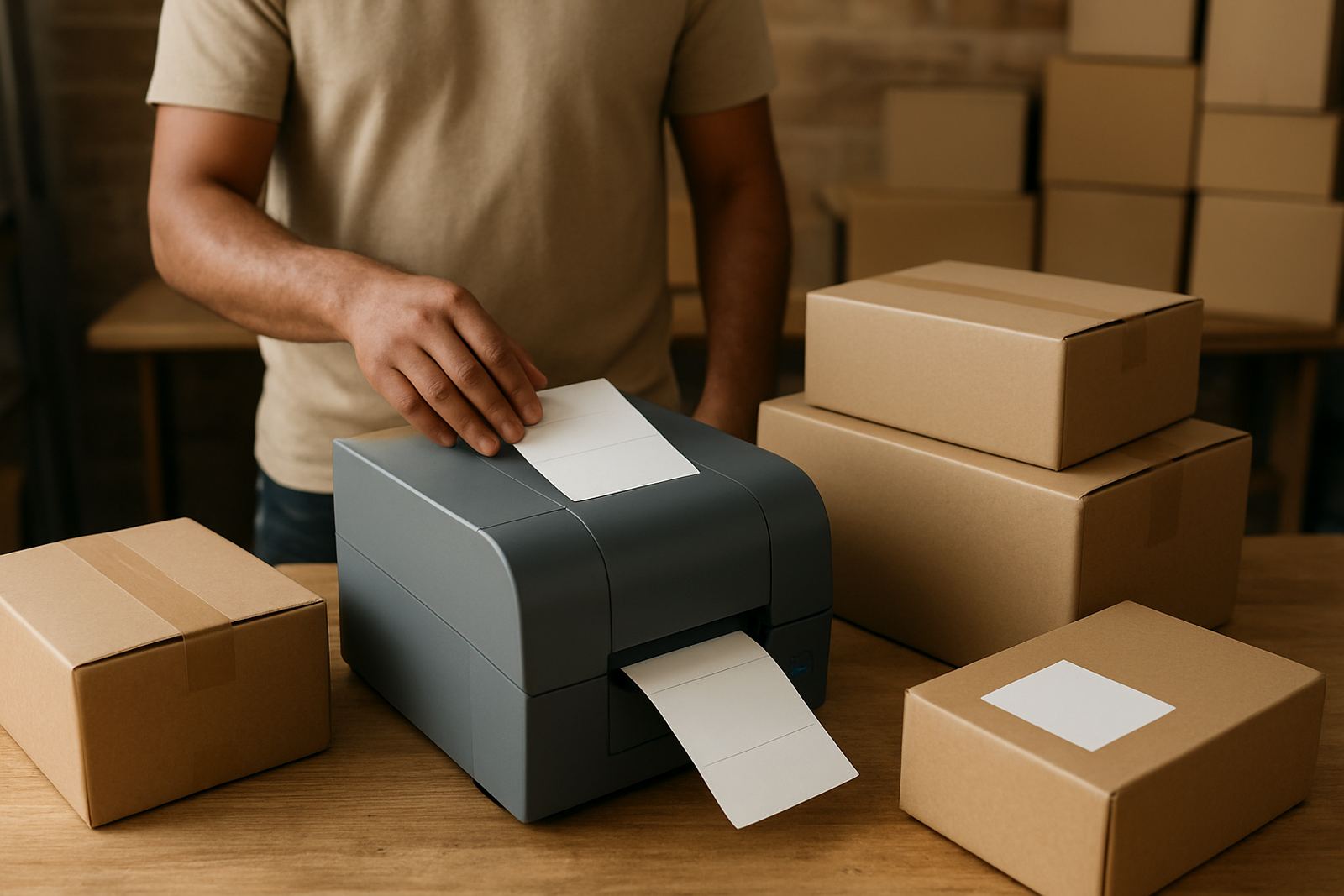
- Match the confirmation to the parcel label
- Keep a copy for returns and customer queries
- Review completed bookings at the end of each trading day
CourierThis also supports shipping admin, so your team can keep the booking trail neat without creating extra paperwork. That matters for growing online shops where order volumes change from week to week.
What To Check Before You Order
Before using booking confirmations, check that your shop details, pickup address and dispatch contact are correct. Make sure the parcel dimensions, service level and destination are entered properly, because the confirmation will reflect whatever was booked. If you are sending multiple parcels, confirm whether they should all go on the same collection or be split across different pickups.
It is also worth checking whether you need economy shipping, express shipping, returns collections or local delivery booking before you finalise the order. If you are shipping from Johannesburg, Pretoria, Cape Town, Durban or Gqeberha, think about cut-off times and road access too, especially if the pickup point is in a busy retail or industrial area. A small mistake at booking stage can create extra admin later, and that is avoidable.
Key facts
| Service type | Booking confirmation support for completed courier shipments |
|---|---|
| Coverage | Johannesburg, Pretoria, Cape Town, Durban, Gqeberha and surrounding working areas |
| Booking formats | Single parcel, multi-order, returns collection, local delivery, national delivery |
| Best for | Small online shops, home-based sellers and growing ecommerce teams |
| Power or installation | None required |
| Record detail | Reference number, pickup details, delivery details and service type |
| Admin support | Tracking support and shipping admin support available |