Why clear parcel labels matter at packing time
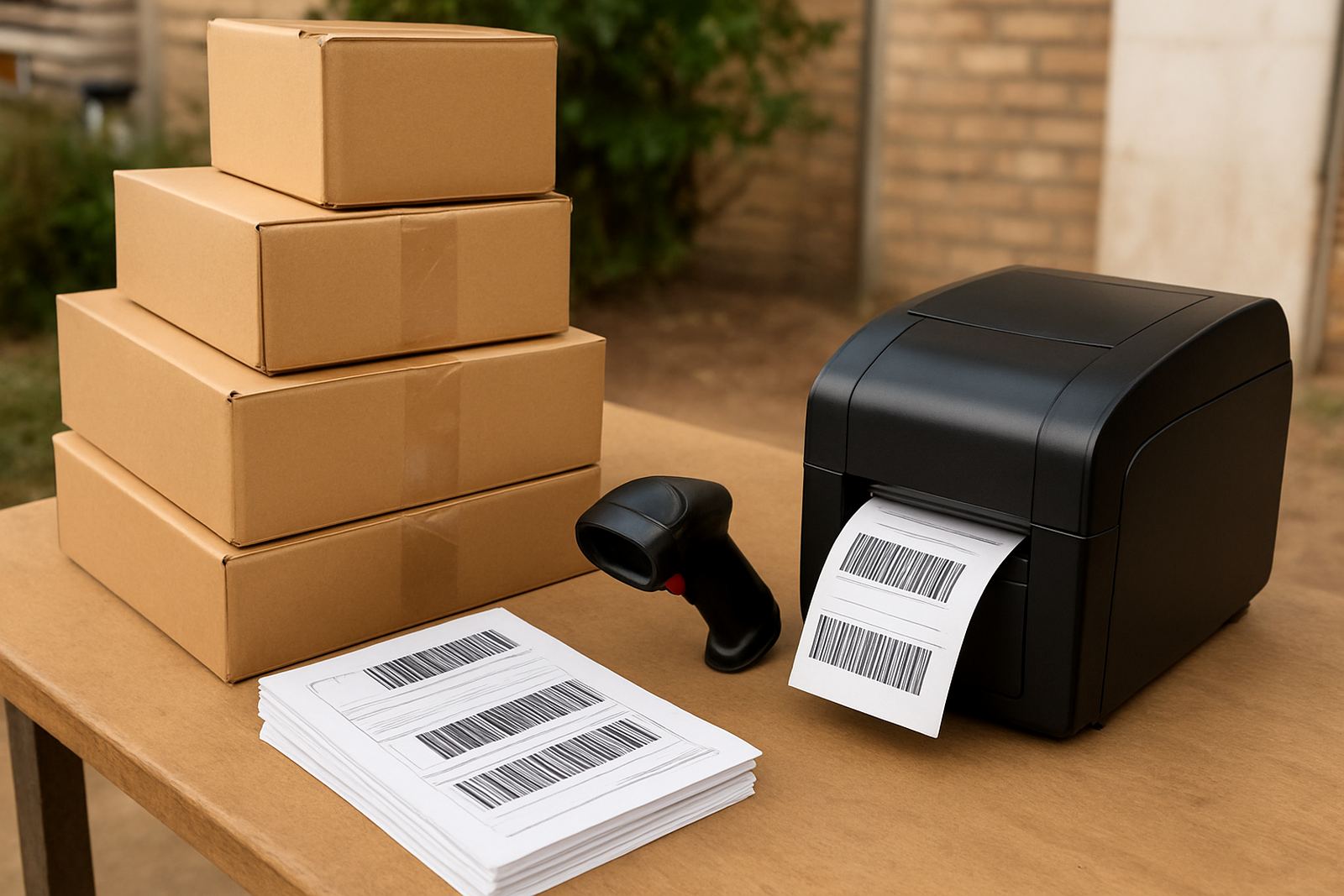
When orders start coming in from Johannesburg, Pretoria, Cape Town, Durban or Gqeberha, the packing table can get busy fast. A clear label takes pressure off the team because the address, barcode and service type are easy to read at a glance. That means fewer wrong parcels, fewer delays at pickup, and less time spent fixing hand written details after the driver has already arrived.
For small shops, label printing is not only about looking tidy. It helps keep orders moving when the load shedding schedule changes, when the printer is shared between staff, or when a rush of weekend sales lands on Monday morning. A good parcel label should stay legible on plain paper, synthetic stock or self adhesive sheets, depending on the parcel type and the route. It also helps if the label can handle a bit of handling during sorting and loading, especially on routes that go through more than one depot.
- Useful for single orders and batch packing
- Helps reduce misreads on street names and unit numbers
- Makes handover faster when drivers arrive early
- Supports clean scanning at collection and sorting points
Label sizes and options for different parcel types
The right label size depends on what you ship and how the parcel is packed. Small poly mailers usually do well with compact labels that fit one barcode, a recipient address and a return line. Bigger cartons often need a larger label so the text stays readable after taping and stacking. If you send a mix of soft parcels, fragile goods and boxed stock, it helps to choose a format that can be used across most orders without reprinting.
Common options include direct thermal labels for quick printing, white adhesive labels for general use, and coated labels where a bit more durability is needed. Direct thermal works well for daily fulfilment because there is no ribbon to replace, but it should be kept out of direct heat and strong sunlight. Adhesive stock suits most ecommerce packing tables and is easy to apply to cartons, satchels and document pouches.
- Common sizes: 100 x 150 mm, 100 x 100 mm, 75 x 50 mm and A4 sheet labels
- Finish options: matte white, coated white, or weather resistant stock for damp conditions
- Application types: self adhesive sheet labels or roll-fed labels for higher volumes
- Print use: address labels, parcel labels, return labels and internal stock tags
Where label printing suits small online shops
This product suits small businesses that send out parcels every day or a few times a week and want a more organised packing process. It works well for home based shops in Sandton, Midrand and Woodmead, as well as teams operating from a shared storage room, studio or light industrial unit. If you prepare orders for national delivery, returns collections or same city drop offs, a reliable label setup can save a surprising amount of time.
It is also useful for sellers handling clothing, beauty products, phone accessories, books, gifts and household items. Anything that needs a neat address label before pickup can benefit. For coastal areas like Cape Town and Gqeberha, a label that resists humidity is worth considering. In hotter inland spaces, especially rooms without air conditioning, it helps to use stock that does not curl too easily and a printer that can stay consistent through long runs.
- Good fit for daily courier bookings and multi order batches
- Handy for businesses with limited packing space
- Useful where several people pack orders on the same table
- Suitable for parcels going to lockers, homes and business addresses
Installation, space and power needs
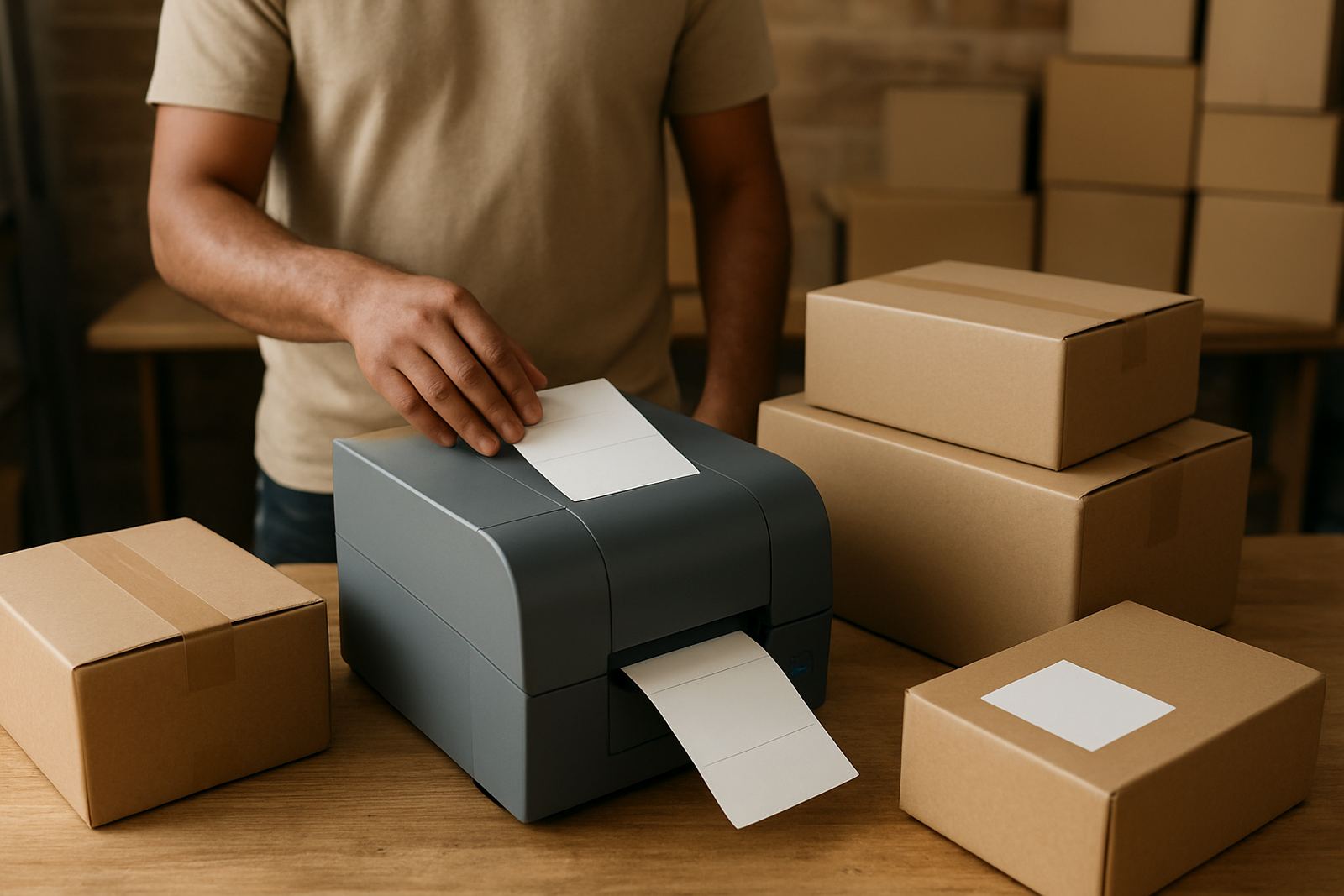
Most label printers need very little space, which makes them practical for small shops and back room packing stations. A compact unit can sit next to a laptop, label stack and tape dispenser without taking over the whole counter. Allow enough room for the roll or sheet feed, and leave a clear path for the finished label so it does not buckle as it comes out. If you are working from a storeroom or upstairs office, check that the table is steady and that the printer is placed away from dust and direct sun.
Power needs are usually simple. A standard mains socket is normally enough, and many units draw very little electricity compared with larger office equipment. That helps during load shedding if you have a small backup battery or inverter. No gas connection is needed. For shared spaces, it is worth checking cable length, plug access and ventilation so the printer can stay in one spot and not be moved around every day. A fixed position also helps staff keep labels aligned, which cuts down on wasted stock and the odd misprint.
- Space needed: small counter or shelf area near packing supplies
- Power: standard mains supply, with low energy draw
- Backup use: works well with inverter or UPS support during outages
- Setup check: table stability, cable reach and paper path clearance
Care, cleaning and servicing to keep labels readable
Label printers do not need much daily attention, but a little care makes a difference. Keep dust away from the feed path and wipe the rollers with a soft cloth when paper residue builds up. If the print starts looking faint or patchy, check the label roll first and then the print head area. In busy fulfilment rooms, a quick clean each week is often enough, though heavier use may need more frequent attention. I would rather clean it early than lose a batch of Saturday orders to a bad print run.
Store label stock in a dry place and keep rolls sealed until they are needed. Humidity can affect adhesion, while heat can make some stock curl or stick together. If the printer is shared, train staff to load labels the same way each time and to test one print before a full run. That saves time, ink and a fair bit of frustration when the courier is waiting. Servicing should include checking the feed sensors, print alignment and any worn parts that affect line clarity.
- Wipe dust from rollers and print area with a soft lint free cloth
- Keep rolls in a cool dry place, away from sunlight
- Test one label before printing a full batch
- Check alignment, sensor response and feed tension during servicing
What to check before you place an order
Before ordering label printing supplies or a printer setup, check the way you pack today and where the process slows down. Look at your average parcel size, how many orders go out each day, and whether you need labels for local delivery, national shipping or returns. If you only send a few parcels at a time, a smaller setup may be enough. If you print in batches for several staff members, a faster feed rate and larger roll capacity will help.
It also helps to confirm the label size supported by your courier paperwork, the printer connection type and whether your packing software exports the right format. Some small shops prefer USB because it is simple, while others want wireless use across a shared space. Check if you need weather resistant labels for damp storage, and make sure the adhesive suits cartons, satchels or plastic mailers. One small mistake in size or format can mean extra reprints, so it is worth getting the details right before the first order ships.
- Check parcel volumes, label size and print speed
- Confirm the connection type and paper format you need
- Match the adhesive to cartons, bags or envelopes
- Ask whether you need extra resistance for moisture or heat
Key facts
| Label size options | 100 x 150 mm, 100 x 100 mm, 75 x 50 mm, A4 sheet labels |
|---|---|
| Print method | Direct thermal or adhesive label stock |
| Typical use | Courier parcels, returns, stock tags and internal order labels |
| Power needs | Standard mains power, low electricity draw |
| Best fit | Small online shops, packing tables and shared fulfilment spaces |
| Durability options | Matte white, coated white, and weather resistant stock |