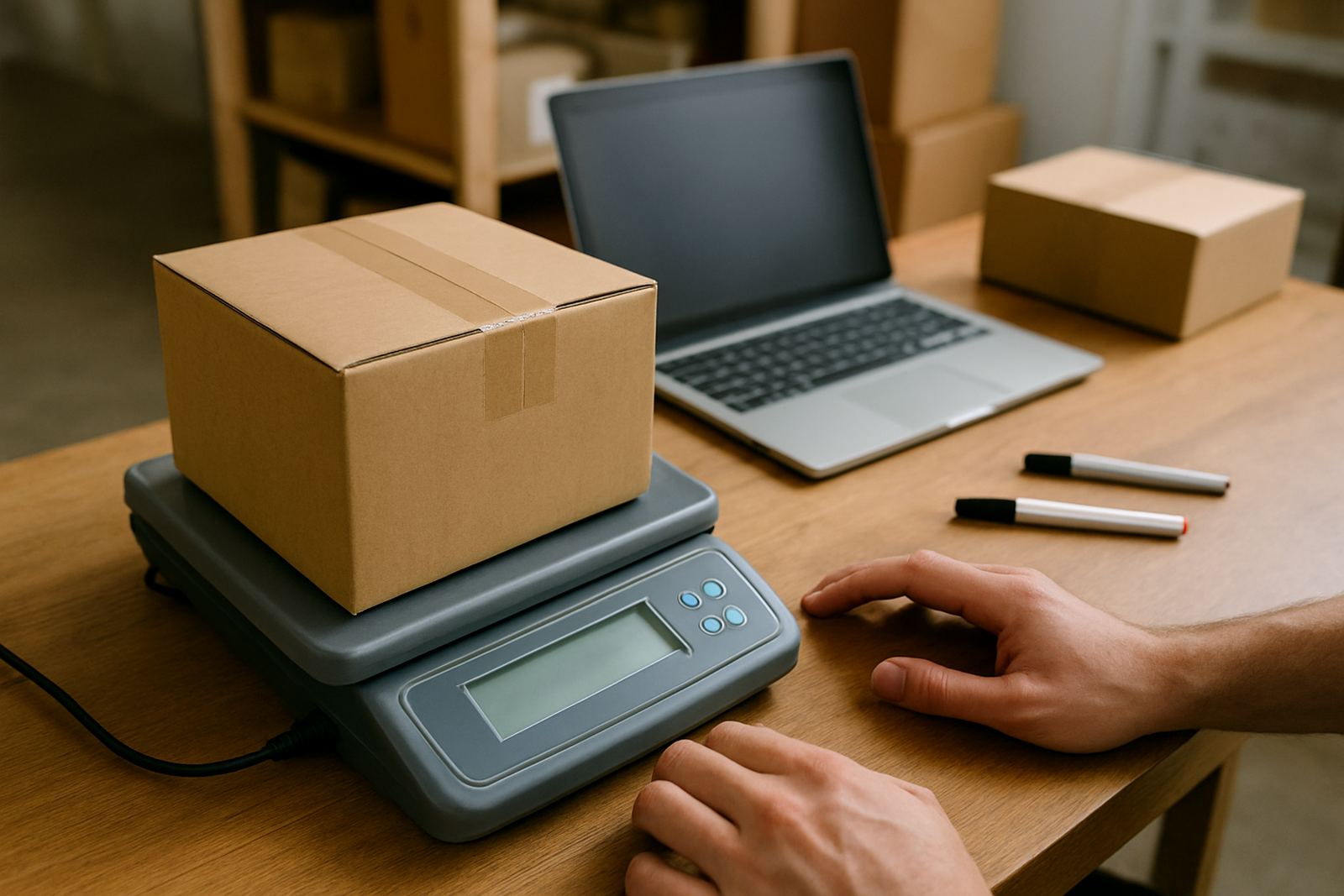
What CSV Import does for busy online shops
CSV Import lets you move order details from a spreadsheet-style file into CourierThis in one go. Instead of typing every parcel separately, you can upload customer names, addresses, parcel weights and service choices from a clean CSV file and get straight to comparing courier options.
This suits small shops that pack orders after hours, work from home, or run from a storeroom in Woodmead, Midrand, Sandton and other busy business nodes. It is especially useful when you have 10, 25 or even 100 orders waiting after a weekend sale and you need a faster way to process them without mixing up delivery details.
File format, field sizes and upload options
The import uses a standard CSV file, which means your order data should be arranged in rows and columns. Keep headings clear and use plain text where possible. The system works best when each line represents one order and every required field is filled in before upload.
- File type: CSV only
- Typical fields: order reference, recipient name, contact number, delivery address, suburb, city, province, postal code, parcel weight and parcel count
- Address line length: keep each line short and readable, ideally under 80 characters
- Weight input: grams or kilograms, depending on your own file setup, but be consistent
- Common options: economy shipping, express shipping, local delivery, national delivery, returns collections
If your shop uses different order systems, you can map columns before import so the right data lands in the right place. That keeps your booking list tidy and helps avoid failed pickups caused by missing suburbs or incomplete postcodes.
Where CSV Import suits best
This feature is a good fit for small online shops that send regular parcels to Johannesburg, Pretoria, Cape Town, Durban and Gqeberha. It also works well for businesses selling clothing, cosmetics, books, homeware, craft items and accessories where orders arrive in batches rather than one at a time.
If you have staff helping with fulfilment, CSV Import keeps everyone working from one order list. It is useful when you need to prepare courier bookings before a collection window, or when you want to compare prices across multiple delivery options before confirming the run. For shops dealing with seasonal sales or market rushes, it saves a fair bit of admin.
- Weekly dispatches from a home office or back room
- Bulk orders from social media sales or marketplace orders
- Returns collections for exchange-heavy businesses
- Pickup scheduling for same-day packing and dispatch
Setup on your side and what you need before import
There is no on-site installation, wiring or utility work needed for CSV Import. You only need access to the CourierThis platform, a prepared CSV file and a reliable internet connection. Because it is a file-based process, there are no power or gas requirements, which is handy during load-shedding if your team is working from laptops or a mobile hotspot.
Before uploading, check that your file is saved in a clean format and that special characters are handled properly. If you work from Woodmead or nearby areas with patchy afternoon traffic and short packing windows, it helps to keep your export routine simple and repeatable. A short test file is a good idea before you upload a big batch.
Care, servicing and keeping imports tidy
CSV Import does not need mechanical servicing, but it does need a bit of file care. Old spreadsheets with duplicate rows, missing postcodes or broken number formats can slow things down. Best practice is to keep one master template and update it each time, rather than starting from scratch. That way your team knows exactly where to enter customer and parcel details.
Review your import columns now and again, especially if your courier workflows change. If you start offering heavier parcels, multiple packages per order or new delivery zones, update the template so the uploaded file matches your current process. A quick check before upload can prevent rework later.
- Use one standard template for all dispatches
- Check for duplicate order references
- Make sure suburb and postal code fields are complete
- Remove extra spaces in names, streets and phone numbers
- Keep parcel weights current for accurate courier comparison
What to check when ordering CSV Import support
When you are setting up CSV Import for your shop, confirm which fields are required, which are optional and how many orders you can process per batch. If your team ships to multiple provinces, ask how address data should be structured for national delivery runs and whether tracking details can be included in the same file.
You should also check whether the import layout suits your existing order source, whether multi order processing is supported, and how returns collections are handled. If you compare couriers often, confirm that parcel weight, delivery suburb and service choice all feed through correctly so the quote shown is based on proper information, not guesswork.
- Required fields and optional fields
- Maximum rows per upload
- Accepted weight and size units
- How failed rows are reported
- Whether tracking updates follow the imported order
Key facts
| Product type | File import feature for courier booking and comparison |
|---|---|
| File format | CSV |
| Typical use | Bulk order upload for small online shops |
| Coverage | Johannesburg, Pretoria, Cape Town, Durban and Gqeberha |
| Power / gas needs | None. Internet access only |
| Best for | Repeat dispatches, weekly pickups, returns and multi order processing |