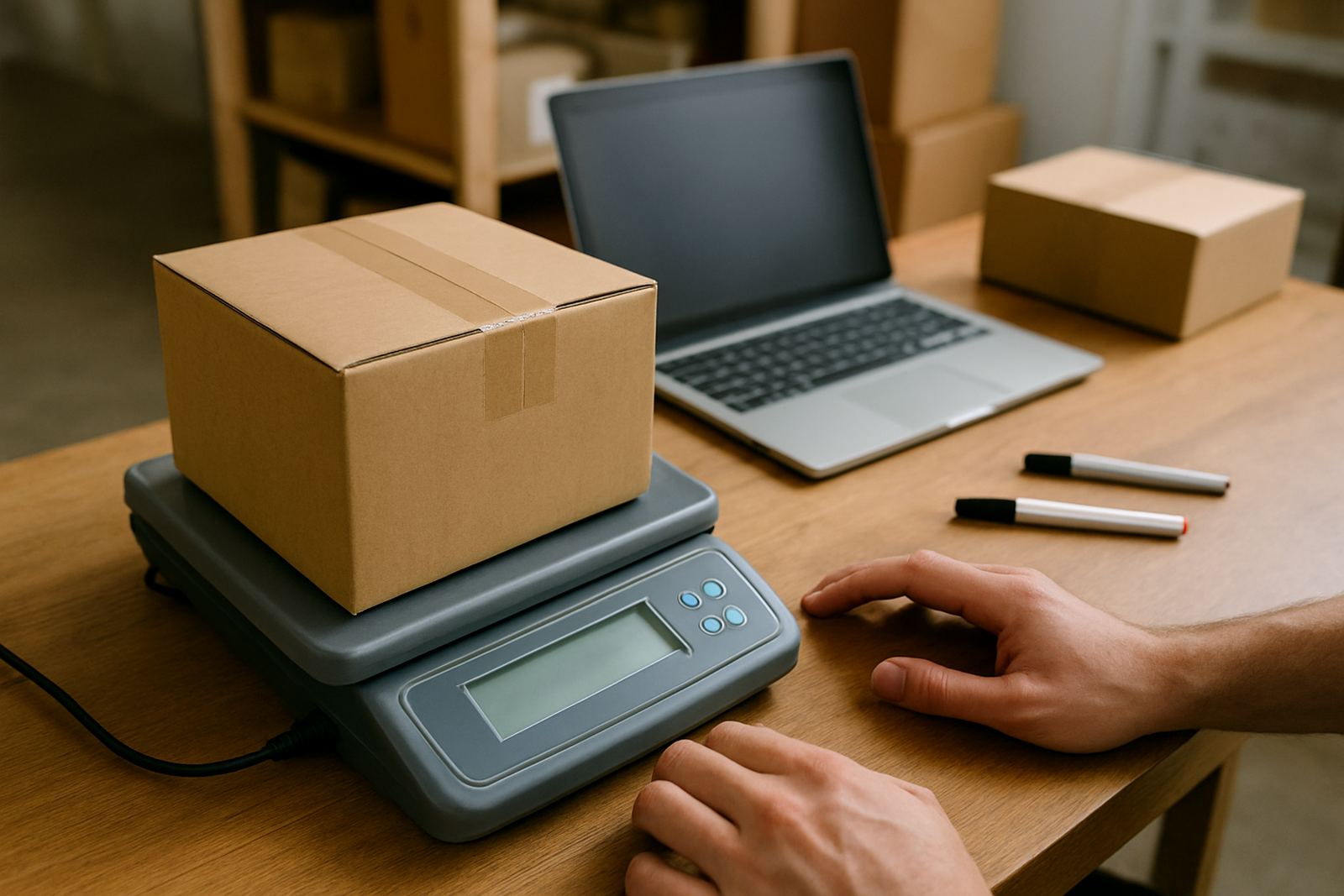
Fast weight capture for everyday bookings
Weight Entry is the point where a parcel becomes ready for courier pricing. You enter the mass of each parcel in the booking flow, then use that figure to compare delivery options across Johannesburg, Pretoria, Cape Town, Durban and Gqeberha. For small shops, that means less back and forth and a cleaner handover from packing table to courier booking.
The feature is built for practical use. Enter the weight in kilograms, check the parcel type, and move on to service selection without having to jump between notes, spreadsheets or separate calculators. If you pack orders after hours or during load-shedding, having the weight recorded in one place helps keep the process moving when the shop is quiet and you are catching up on orders.
- Capture parcel mass in kilograms or grams
- Use it for courier comparison and booking
- Works for single parcels and multiple orders
- Useful for shops with changing parcel sizes each day
Sizes, parcel types and when weight entry matters most
Weight Entry suits the usual parcel sizes sent by small online shops, from a light jewellery box to a larger clothing carton. The key is getting the parcel mass right before booking, because courier pricing often changes with the weight band. A parcel that is 900 g can price differently from the same parcel at 1.1 kg, so a quick check on the scale can save unnecessary cost.
It is especially useful for shops that send mixed stock. A skincare parcel, shoe box, homeware item or combined order may all need different handling. When the shop packs from a back room in Sandton or a storeroom in Midrand, Weight Entry keeps the size and mass notes tied to the booking instead of relying on memory later. That small step cuts down on rework and reduces the chance of a courier re-weighing the parcel and changing the rate.
- Best for parcels under 30 kg
- Useful for cartons, satchels and padded packs
- Supports changing stock types and order mixes
- Helps avoid pricing surprises at collection
Where it suits your operation
This feature suits a small shop that wants quicker shipping admin without adding another layer of paperwork. It works well for home-based sellers in Pretoria, online fashion labels in Cape Town, kitchenware resellers in Durban and social commerce operators in Gqeberha. If your packing station is a spare room, a shop counter or a small warehouse shelf line, Weight Entry fits the same way.
It also helps where staff rotate. One person may pack in the morning, another may book collections later in the day. A clear weight field means less dependence on a single person remembering what was weighed. For shops handling returns, the same entry flow can be used again when a parcel comes back, so the record stays tidy and the next booking is easier to handle.
- Home businesses and small teams
- Fashion, beauty, gifts and accessories shops
- Businesses sending returns or replacements
- Shops that need quick courier price checks before booking
Setup, power needs and daily use
There is no special installation for Weight Entry. You need a device with internet access and a reliable power source, then you can use the booking flow as part of your normal order process. A laptop, tablet or phone works for the entry step, as long as the parcel scale is nearby and the person packing can see the figures clearly. If your area gets load-shedding, a power bank or backup supply helps keep your booking counter moving.
No gas supply is needed, and no fixed equipment has to be mounted. The main requirement is a simple weighing method. Many small shops use a digital parcel scale on a stable surface, then enter the reading straight into the booking screen. If you are in a coastal area like Durban or Gqeberha, keep the scale dry and away from damp store rooms to avoid bad readings. A level packing surface matters too, because uneven tables can throw off the mass by a few grams or more.
Care, checks and routine servicing
Weight Entry itself needs very little care, but the process around it should stay tidy. Check the scale regularly, clear dust from the weighing platform and make sure parcels are packed before weighing. An overfilled carton that still needs tape or inserts can change weight by the time it is ready for collection. A quick final check is better than correcting a booking after the courier has been arranged.
It also helps to review your usual parcel weights each month. If your products change seasonally, you may notice that parcel mass shifts as stock sizes change. Keeping a short record of common weight bands makes reordering and booking easier, especially when orders build up over a weekend. A small shop with neat routines spends less time correcting shipping errors and more time getting parcels out the door. That is the part that saves money in the end, not fancy admin.
What to check before you order
Before you use Weight Entry as part of your booking setup, check how your team weighs parcels, who enters the figures and whether your stock categories need different weight bands. If you ship both small satchels and larger cartons, make sure the packing team knows when to use grams and when to round up to the nearest kilogram. That small rule can stop a lot of confusion.
You should also confirm whether your shop needs support for multi-order processing, returns collections or delivery option guidance. If you are comparing courier prices for several branches or working from one base in Woodmead, having the right booking flow from the start makes the process easier for the whole team. A short check now saves time later, and keeps your shipping admin from getting messy when orders pick up during peak season.
- Confirm your usual parcel weight range
- Decide who enters the weight during packing
- Check if you need support for multiple orders
- Review return handling and delivery rules
Key facts
| Entry format | Kilograms and grams |
|---|---|
| Typical parcel range | 0.1 kg to 30 kg |
| Best use | Courier comparison and booking |
| Device support | Phone, tablet or laptop |
| Power needs | Internet access and normal device power |
| Setup | No fixed installation required |