What Saved Parcel Profiles do for repeat bookings
Saved Parcel Profiles keep your regular parcel details in one place, so you do not have to retype dimensions every time you book a pickup. For small online shops, that means less time checking weights, fewer mistakes on courier quotes, and a smoother handover when orders start coming in after a weekend sale or month end promotion.
You can store common parcel types such as a small poly mailer, a medium carton or a heavier box for bulkier stock. Each profile can carry the details your team uses most, including size, mass, packaging notes and any handling instruction that matters to the driver. That makes it easier to quote the right service first time and avoid back and forth later.
- Use one profile for your everyday parcel size
- Keep separate profiles for express and economy packing
- Reduce errors when staff rotate or help during busy periods
Profile sizes, weights and practical options
The service is built around the parcel details that courier partners need for correct pricing and collection planning. You can save standard dimensions in centimetres and weights in kilograms, then reuse them across local and national bookings. If your stock is light but bulky, or dense and small, having both measurements saved helps the quote stay accurate.
Common options suit a wide spread of South African e-commerce stock, from clothing and accessories to books, homeware, parts and grooming items. It also helps when you sell mixed baskets or prepacked bundles that do not change much from order to order. If your packaging changes seasonally, you can keep more than one saved profile and pick the right one at checkout.
- Parcel length, width and height in centimetres
- Mass from 0.1 kg up to 25 kg and above where accepted by the courier
- Notes for fragile items, sealed bags, stacked cartons or labelled returns
Where it suits small shops and fulfilment routines
Saved Parcel Profiles suit businesses that ship a steady mix of repeat orders, especially where the same items go out daily. That includes sellers working from a room, garage, small storeroom or shared unit in Woodmead and Midrand, as well as shops serving customers across Johannesburg, Pretoria, Cape Town, Durban and Gqeberha.
It is also useful for teams that pack around load-shedding times and need to move quickly while the power is on. If you are printing labels, checking stock and booking pickups in the same sitting, saved parcel details cut down on admin and help your packing line keep moving. It is a simple fix, but it saves time every week and the effect adds up.
- Online shops with repeat box sizes
- Gift stores, fashion sellers and accessory shops
- Small businesses handling returns and replacement parcels
Setup, access and day to day use
There is no special installation needed beyond your usual account access. Once your shop is set up, you can create and store parcel profiles from the booking flow or from your saved parcel area, then reuse them whenever the same order type comes through. Teams can keep naming clear, such as Small Tee Box, Standard Shoe Carton or Return Satchel, so everyone knows what to pick.
For daily use, the idea is simple. Choose the profile, confirm the collection address, check the delivery area and book the shipment. If you dispatch from a home office, warehouse unit or shop back room, the saved details make it easier to stay organised even when orders come in at odd hours. It also helps if more than one person handles fulfilment and no one wants to ask which box was used last time.
- Works with routine bookings and repeat collections
- Useful for single user setups and small teams
- Helpful when you need faster quoting during busy sales periods
Care, updates and when to review your profiles
Saved Parcel Profiles need a quick check now and then, especially if your packaging changes. If you switch to a different carton, add bubble wrap, or move from one courier option to another, review the size and mass so the quote still matches the parcel in hand. That matters because underdeclared parcels can cause delays or extra charges, and overdeclared ones can push the price up for no reason.
Keep an eye on damaged stock, damp packing and weak tape too, especially in coastal humidity or when parcels sit in a warm storeroom. If your parcels travel through a busy dispatch area, a short monthly review is worth it. A profile that is out by even a few centimetres can throw off the booking, so it pays to keep things tidy.
- Review after changing packaging suppliers or box sizes
- Check weights again if stock or fillers change
- Update notes for fragile, sealed or return parcels
What to check before you save an item
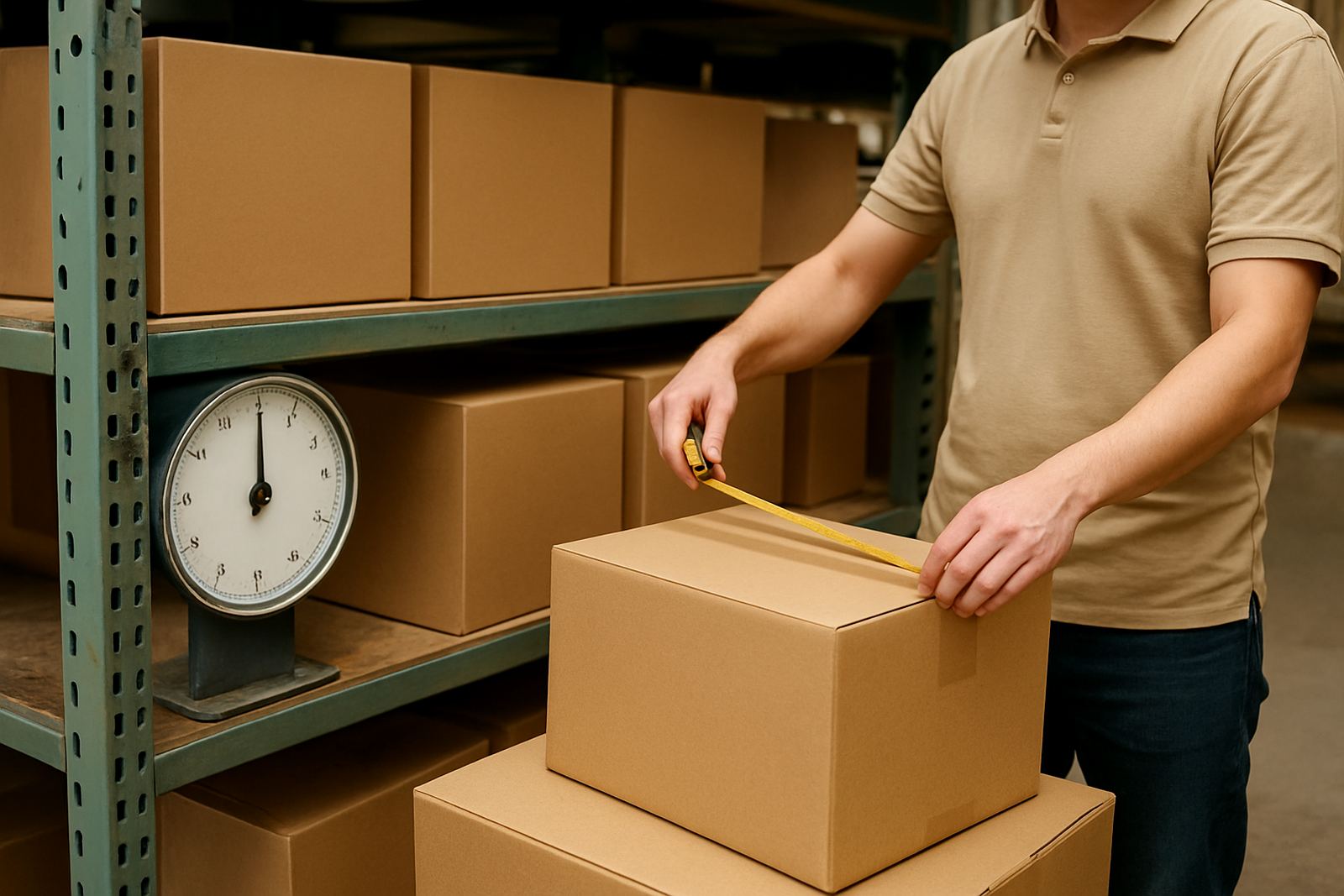
Before you store a new profile, measure the packed parcel rather than the product alone. Include the outer box, filling material, tape and any sleeve or wrap used for transport. Then weigh the finished parcel on a proper scale and round in the way your courier rules allow. If you ship the same item in more than one size, save each version separately instead of forcing one entry to do everything.
You should also check the service limits for your delivery routes, especially if you send across provinces or into areas with more restricted access. Some parcels need special handling because of shape, breakage risk or return collection requirements. A good profile makes this easier to manage, and it cuts down on those annoying mid-booking corrections that slow the whole day down.
- Measure the packed parcel, not the loose item
- Use accurate weight from a reliable scale
- Separate different pack styles, even if the product is the same
Key facts
| Profile type | Saved parcel size and weight record for repeat courier bookings |
|---|---|
| Size fields | Length, width and height in centimetres |
| Weight fields | Mass in kilograms with support for light and heavier parcels |
| Use cases | Local delivery, national delivery, returns and repeat fulfilment |
| Suitable users | Small online shops, home businesses and small dispatch teams |
| Care level | Low maintenance, with regular review when packaging changes |