Why parcel weight matters before you book
When you book a pickup, the weight you enter helps shape the quote, the service option, and sometimes the parcel handling method. If the weight is too low, you may get a cheaper rate at first, then face a re-rate or delay once the parcel is scanned. If it is too high, you could pay more than you need to.
For small online shops in Johannesburg, Pretoria, Cape Town, Durban and Gqeberha, accurate weight entry is part of keeping orders moving. It is especially important when you ship mixed stock, clothing, books, cosmetics, or boxed goods that vary from order to order.
- Use the packed weight, not the product weight alone
- Check the number before each pickup booking
- Keep the same method for every parcel so your quotes stay consistent
How to weigh a parcel properly at your shop
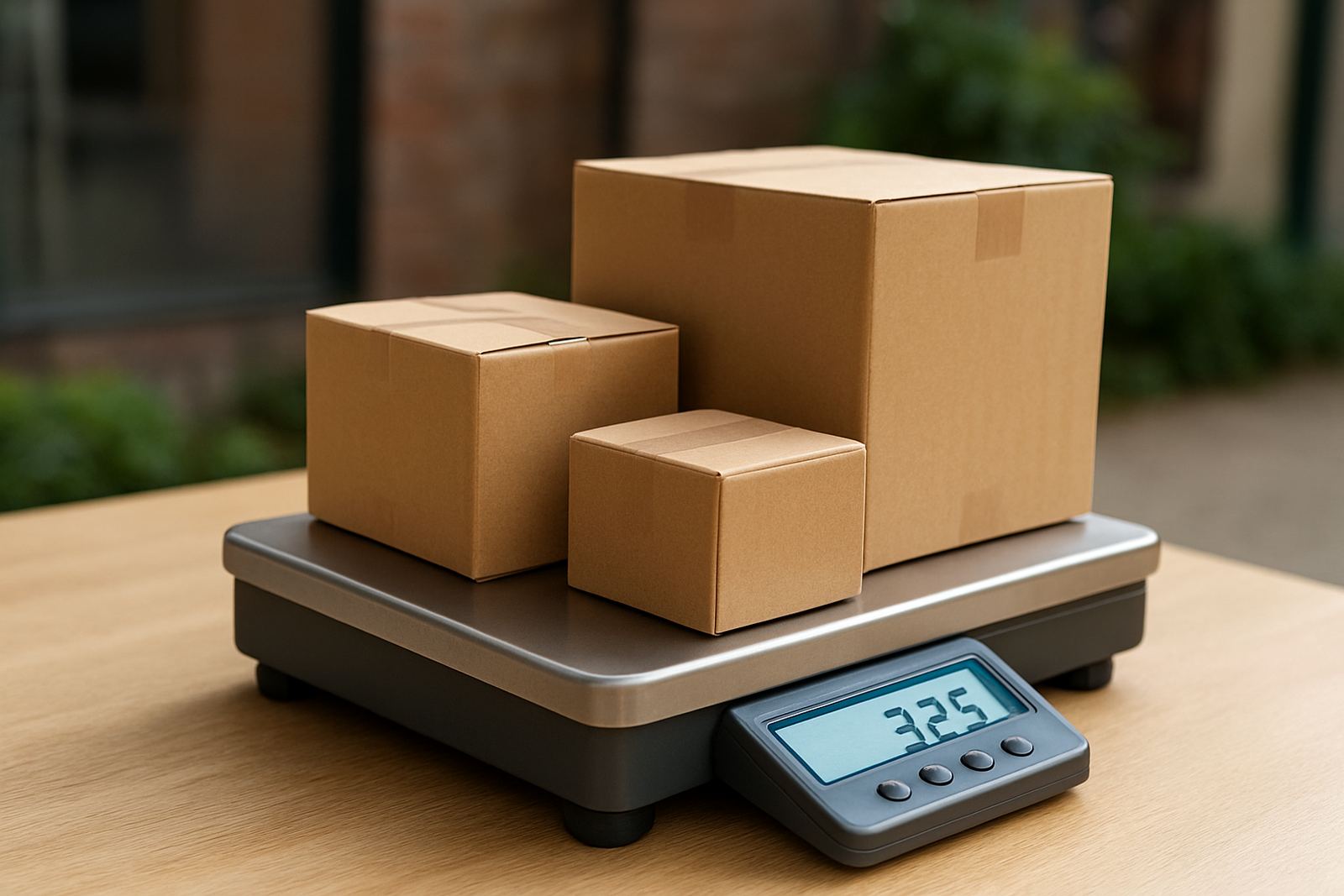
Weigh the parcel after it has been packed, sealed, and labelled, because the box, filler, tape, and inner packaging all add mass. A parcel that looks light can still come in heavier than expected once it is ready for collection. On busy days, do not guess. Use a digital scale that reads in kilograms and grams.
If you pack orders from a spare room, storeroom, or small office in Woodmead or Midrand, make sure the scale sits on a flat surface. Uneven floors and loose tiles can shift the reading. During load-shedding, check that your scale still powers up correctly and that the display is easy to read in lower light.
- Place the empty box on the scale first if you want a tare reading
- Pack the order exactly as it will go out
- Record the final weight straight away before the parcel gets moved
Rounded weights, exact weights, and what to enter
Courier systems usually work with weight bands, so the way you round your parcel matters. A parcel that weighs 1.02 kg should not be entered as 1 kg if the booking system expects the full packed weight. It is safer to enter the closest accurate figure, rounded up when needed. That small bit of caution can save you from billing adjustments later. This is tricker than it looks when you have a batch of orders waiting.
As a practical rule, do not round down to make the parcel look lighter. If your scale shows 2.38 kg, enter 2.4 kg or the nearest acceptable figure used by the booking form. If you are unsure, keep your internal record exact and use the number required by the booking screen.
- Never use the product weight from your supplier invoice only
- Round up where your booking system does not accept decimals beyond one or two places
- Keep a simple weight log for repeat items like tees, books, mugs, and boxed sets
Watch the difference between dead weight and bulky parcels
Some parcels are light but take up a lot of space. A pillow, cushion, large folded blanket, or oversized carton may be classed differently because of its size, even if the actual weight is low. This is common for small shops shipping gift packs, home goods, or promotional bundles. So yes, the size can change the final price even when the scale says the parcel is light.
Check both the weight and the measurements before you submit a booking. If a parcel is long, wide, or unusually shaped, add that to your planning. A box that just fits your shelf may still need a bigger courier option than a smaller but heavier order.
- Measure length, width and height after packing
- Use suitable packaging so the parcel does not bulge
- Repack if the box is too large for the item inside
A simple weight checklist before each pickup
Use the same process for every order so your team does not miss details when things are busy. This is helpful when orders are coming in from Sandton, Pretoria, Durban, or the Cape, and you need to book several pickups in one day. A repeatable routine also makes it easier to train new staff.
Before you submit the booking, run through this quick check list:
- Parcel is fully packed and sealed
- Weight has been checked on a working scale
- Measurements are noted for larger parcels
- Address label is clear and fixed properly
- The order count matches the booking entry
- Any special handling note has been added
Common weight mistakes small shops can avoid
Most courier problems around weight come from rushing. A common mistake is entering the item weight before packaging, then forgetting that the carton and filler add extra grams. Another is using old product data when the stock mix has changed. If you pack different sizes in the same line, one old number can throw off several bookings.
Keep your pack station tidy and your scale easy to reach. If you sell in batches, re-check sample items every few weeks. For returns collections too, weigh the parcel after it has been packed again, not just when it came back in the original box.
- Do not estimate by hand if the parcel is near a pricing band
- Do not forget inserts, thank-you cards, and protective wrap
- Do not reuse old weights for new stock without checking first