Start with the right parcel details
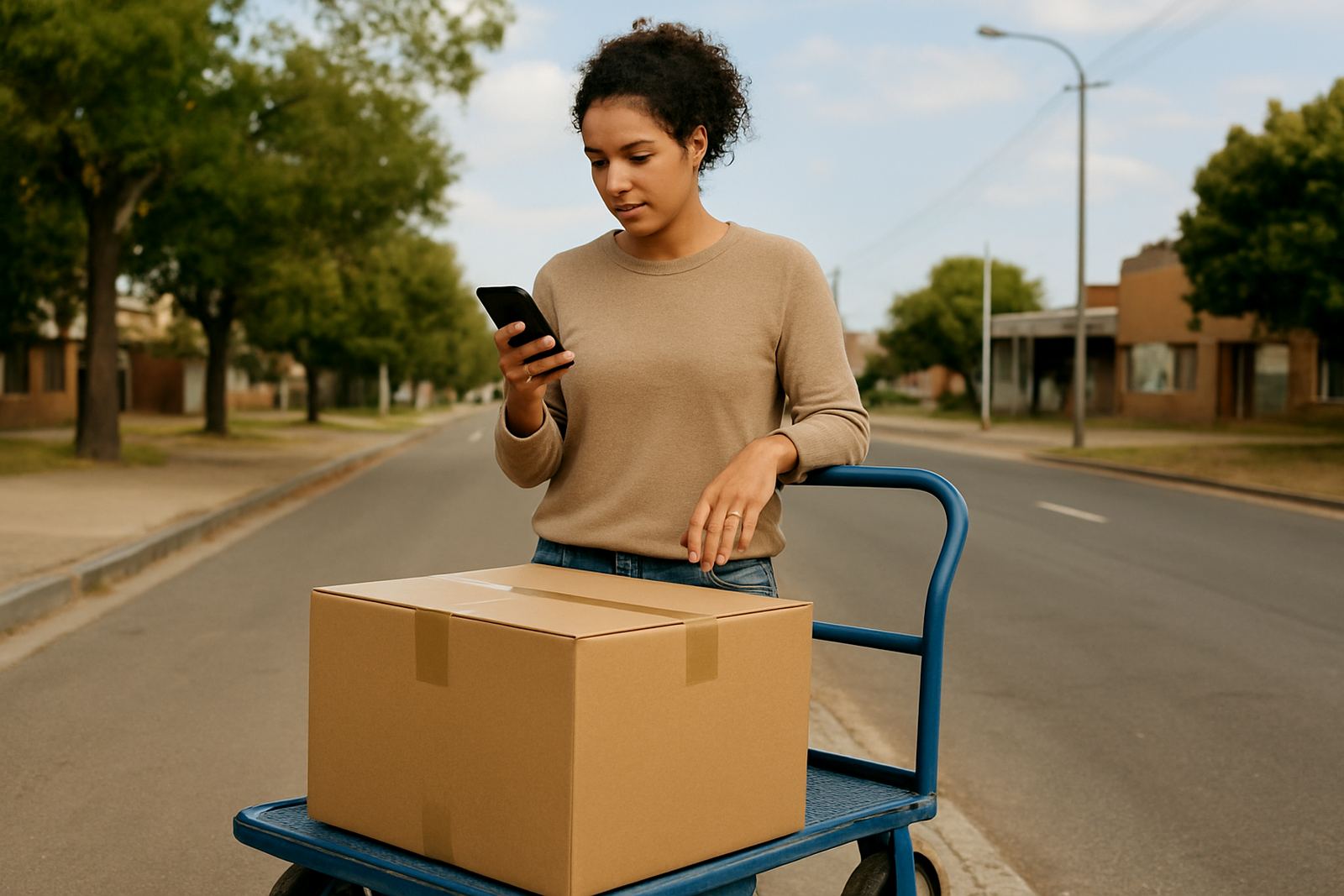
Before you compare courier options, get the parcel details in front of you. The system can only give a proper price if the size, mass, collection suburb and delivery area are entered correctly. A small error here can change the quote, so it is worth checking each line before you move on.
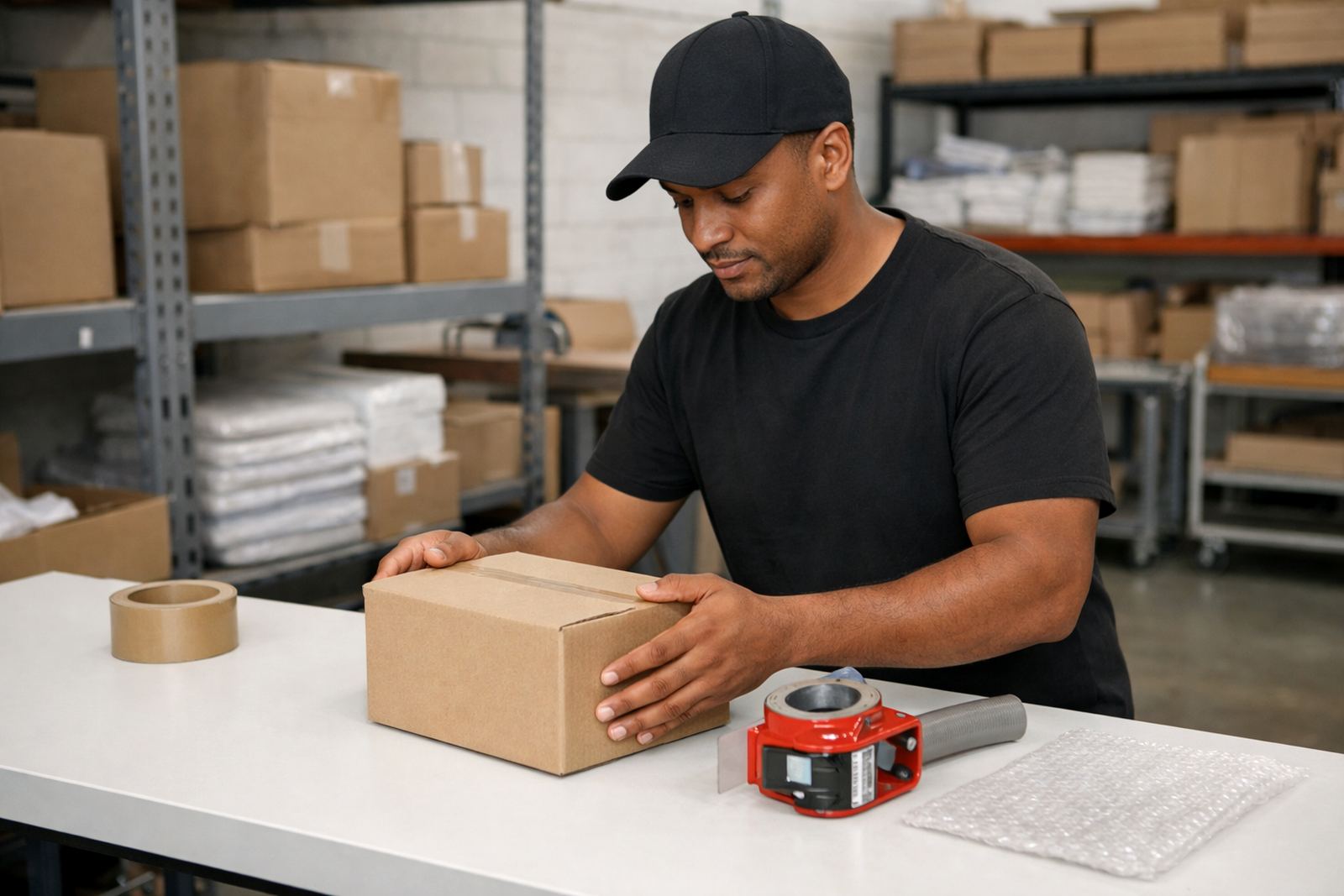
For most small shops, the quickest way is to measure the parcel after it is packed. Use centimetres for length, width and height, and weigh the parcel once it is sealed. If you ship different items daily, keep a simple packing sheet near your printer or stock shelf so the same details are used every time. That helps with fewer price surprises and cleaner shipping admin.
- Enter the parcel size after packing, not before.
- Use the full collection and delivery suburb names.
- Check that the parcel mass matches the packed box, not the product alone.
- Include any notes for fragile, oversized or awkward parcels.
Compare delivery options before you book
Once the parcel details are in, you can compare courier choices side by side. This is useful when a customer wants a cheaper option for non-urgent stock, or when you need a faster service for a time-sensitive order. Many small shops mix economy and express shipments through the week, depending on the order value and the destination.
In South Africa, delivery times can vary by suburb, depot area and traffic conditions. A package going from Sandton to Pretoria may move differently from one going to a coastal area, especially during busy periods or when weather affects road movement. Always look at the delivery estimate and the service rules before choosing the cheapest option. It is not only about price, it is about how well the service suits the order.
- Use economy for low-urgency parcels and repeat stock orders.
- Use express when the customer needs quicker delivery or the order is time-sensitive.
- Check whether the service supports collection, drop-off or both.
- Review any weight or size limits before confirming.
Choose pickup details that work for your shop
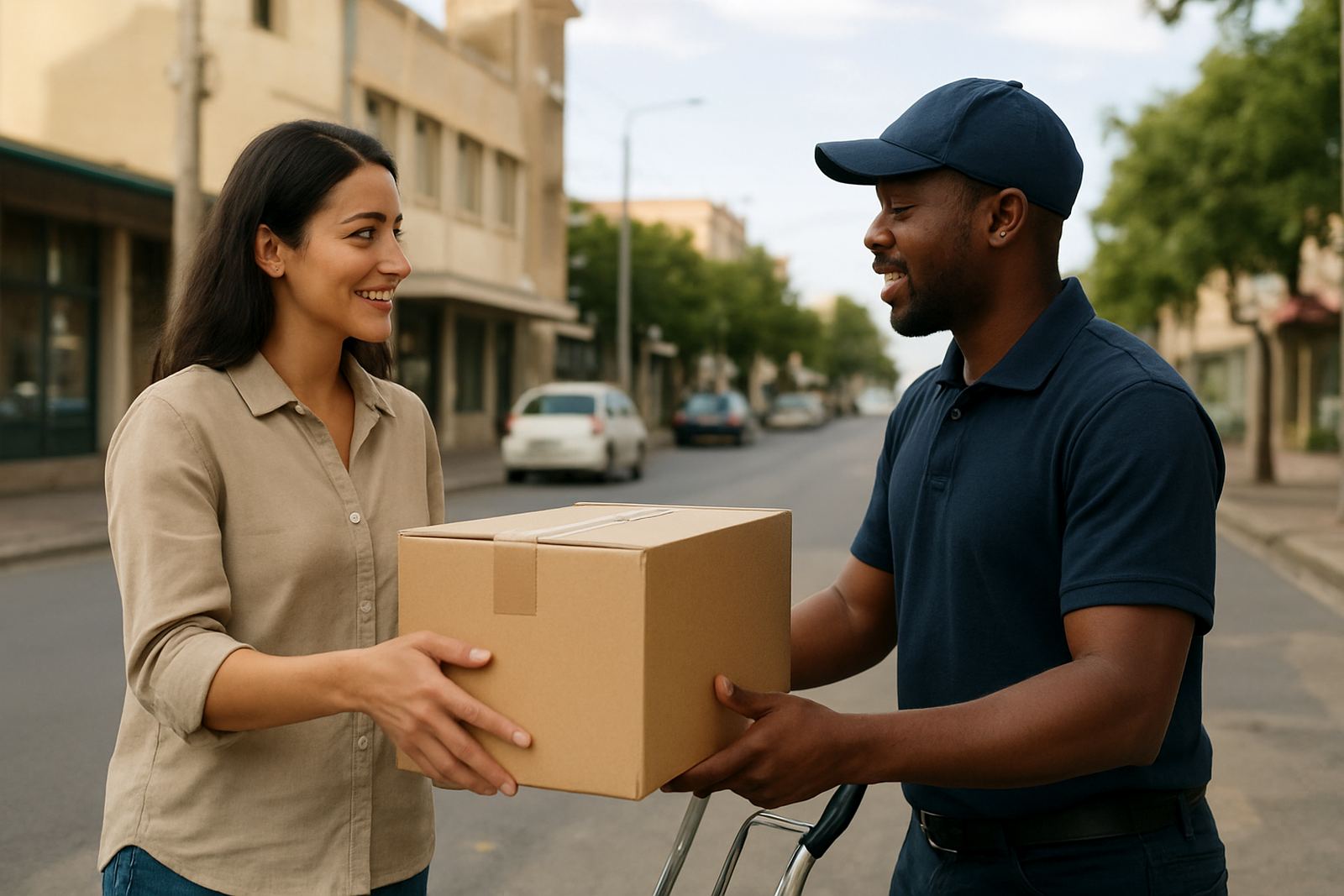
Pickup booking is easier when the collection point is set up properly. For a home-based business or a small studio in Woodmead, Midrand or Randburg, the address should be easy to find and safe for the driver to access. If your area has security gates, boom access or parking restrictions, add those notes clearly. That saves time and avoids missed collections.
If you are shipping from a shared workspace or retail unit, make sure someone is available during the collection window. Load-shedding can also affect gate access, intercoms and payment systems, so keep a backup plan ready. A parcel should be packed, labelled and handed over in one go. No half-finished sealing tape or missing paperwork, because that slows the whole route.
- Give a clear street address with suburb and unit number where needed.
- State the best collection time window.
- Add access notes for security, parking or loading areas.
- Keep parcels ready before the driver arrives.
Confirm the booking without second-guessing yourself
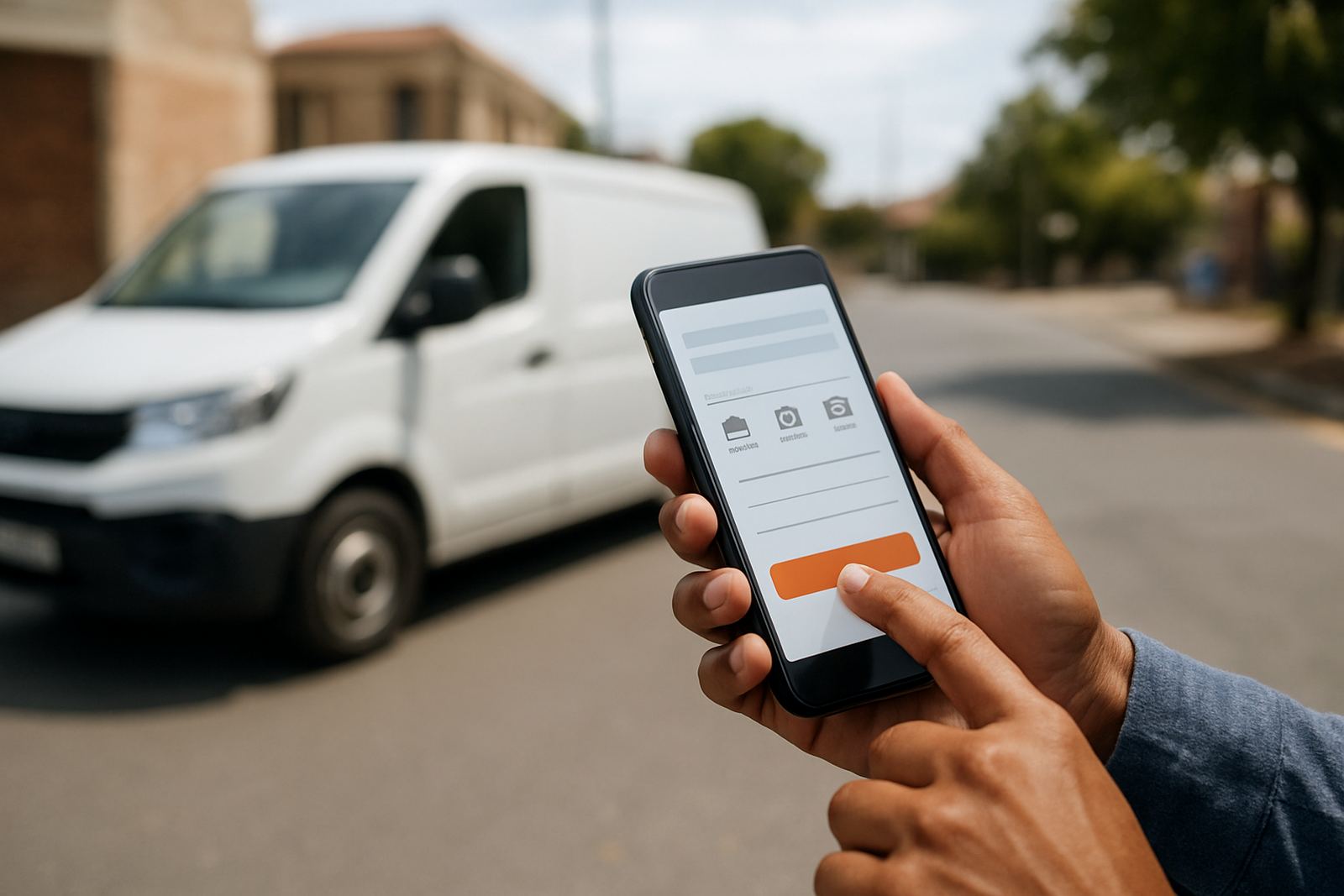
Before you confirm, go through the booking summary slowly. Check the sender details, recipient details, parcel measurements, service type and total cost. If a customer supplied the wrong address or apartment number, fix it now instead of after collection. Once a booking is confirmed, changes can take longer and may affect the shipment cost.
For shops handling multiple orders each day, it helps to process bookings in batches. That keeps your team moving and reduces mistakes during busy periods like month-end sales or holiday rushes. If you are sending several parcels to different towns, check each booking separately so one address does not get copied into the next. It sounds basic, but it saves real money.
- Review sender and receiver details line by line.
- Check the parcel size, mass and service choice.
- Confirm the total price before submitting.
- Keep the booking reference for your records and customer updates.
After booking: prepare the parcel and track it
Once the booking is confirmed, print or write the shipping label clearly and attach it where it will stay dry and flat. On coastal routes, humidity can loosen tape or smudge labels if the parcel is not sealed properly. Use good packing material and keep labels away from edges and seams. If the item is fragile, pack it so it can survive normal sorting and road movement.
Keep an eye on tracking once the parcel has been collected. This helps you answer customer questions quickly and spot delays early. If a parcel seems stuck, check the tracking status first and then review the address details on your side. A quick follow-up is often enough to sort out a missed handover or an unreadable label, so dont wait until the customer is upset.
- Apply the label on a flat, visible surface.
- Seal parcels properly for rain, dust and handling.
- Share tracking updates with the customer when needed.
- Keep proof of booking with your order file.
Get help when your booking does not look right
If something looks off, stop and check it before you send the parcel into the network. Common issues include a suburb typed in the wrong province, a parcel mass that is too low, or an address that is missing a unit number. These small errors can lead to delays, extra charges or a failed collection.
Support is most useful when you already know what part of the booking is not working. Tell us whether the issue is with parcel details, delivery option guidance, pickup booking, or a tracking update. That makes it easier to point you in the right direction without wasting time. Small shops need quick answers, especially when orders are stacking up on a Friday afternoon.
- Keep the booking reference handy.
- Note the parcel size, mass and destination suburb.
- Say whether the problem is before booking or after collection.
- Use the enquiry form on the contact page for help.