1. Start with a clean order list before you book
Bulk booking works best when your order list is tidy before you touch the courier side. Check every order for the correct name, phone number, delivery address, suburb, city, and postcode. If one line is wrong, the parcel can sit in transit while the driver or depot tries to sort it out. For shops in Johannesburg, Pretoria, Cape Town, Durban and Gqeberha, this matters even more because delivery zones and cut-off times can differ by area.
Set aside a few minutes to sort orders by destination, parcel size, and service level. Keep fragile items, oversize items, and high-value orders separate. If you sell in bulk during month-end, payday, or holiday rush periods, the order list should also show who is ready to ship today and who is still waiting for stock, payment, or a packing check.
- Confirm addresses are complete and in the right format
- Group orders by same-day, next-day, and standard delivery
- Mark fragile, bulky, or high-value parcels clearly
- Remove cancelled or unpaid orders before booking
2. Match the courier option to the order size and area
Not every parcel needs the fastest service, and not every order should go through the cheapest option. A smart bulk run mixes economy and express where it makes sense. Local deliveries inside the same city can often move on a different timetable to national orders, while returns collections need their own handling so they do not get mixed with outgoing stock.
When comparing courier options, look at pickup timing, delivery window, handling rules, and how well the service covers your customer areas. A shop in Woodmead may ship to Sandton, Midrand, Pretoria, the Cape coast, or further inland on the same day, so a bulk run should allow for different lead times. If your parcels are time-sensitive, ask whether the service gives tracking updates that are easy for your team and your buyers to follow.
- Use express for urgent orders only
- Use economy for non-urgent stock or repeat buyers who can wait
- Check whether the courier supports local and national routes
- Separate return collections from outgoing parcels
3. Pack for speed, not just for safety
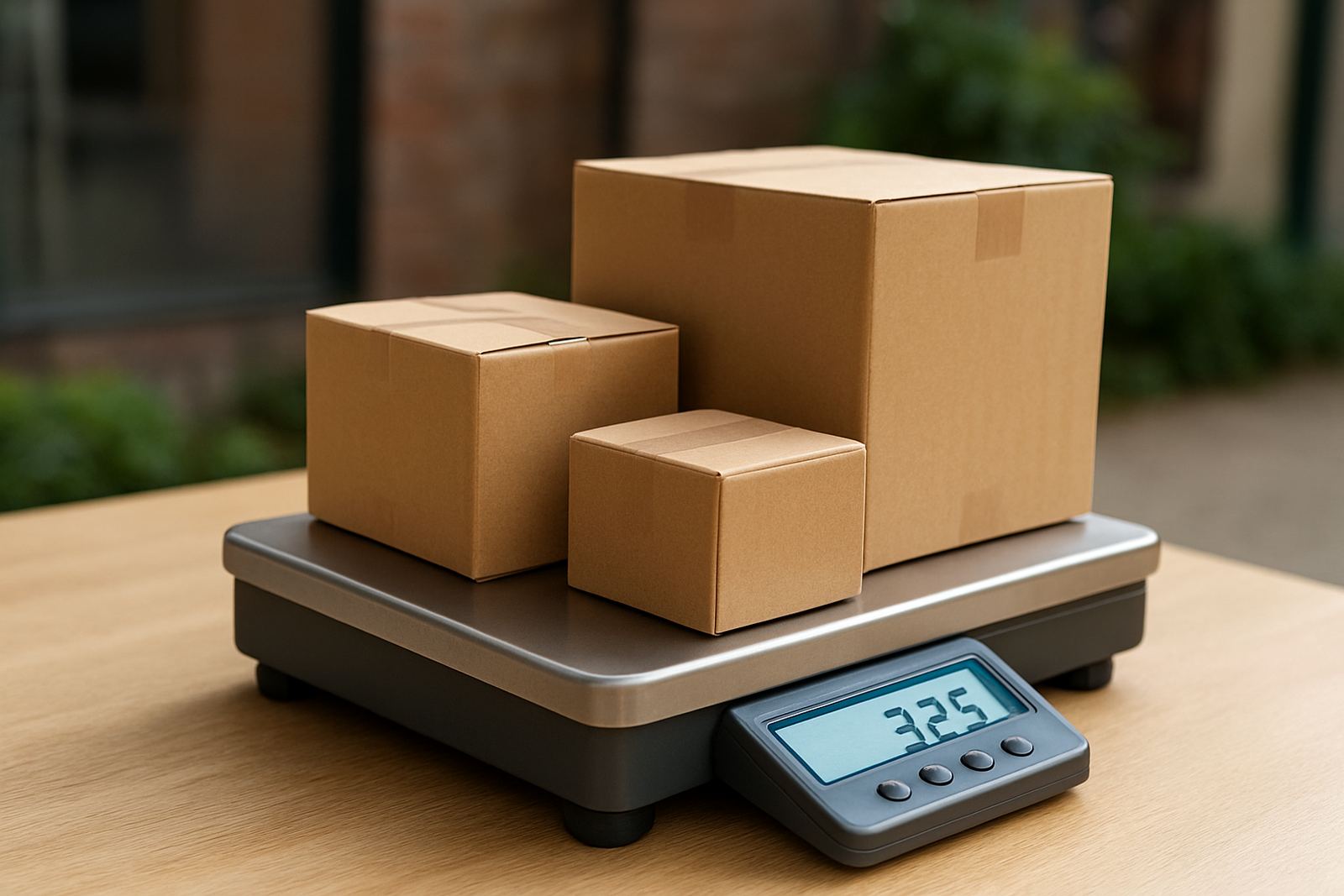
Packing decides whether bulk bookings stay smooth. If parcels are packed the same way every time, your team can work faster and make fewer mistakes. Choose cartons, satchels, bubble wrap, tape, labels, and inserts that match the type of product you sell. Keep one packing standard for small items and another for items that need extra protection. In coastal areas, especially around Cape Town, Durban and Gqeberha, remember that humidity can affect labels and packaging if stock sits too long in a warm storeroom.
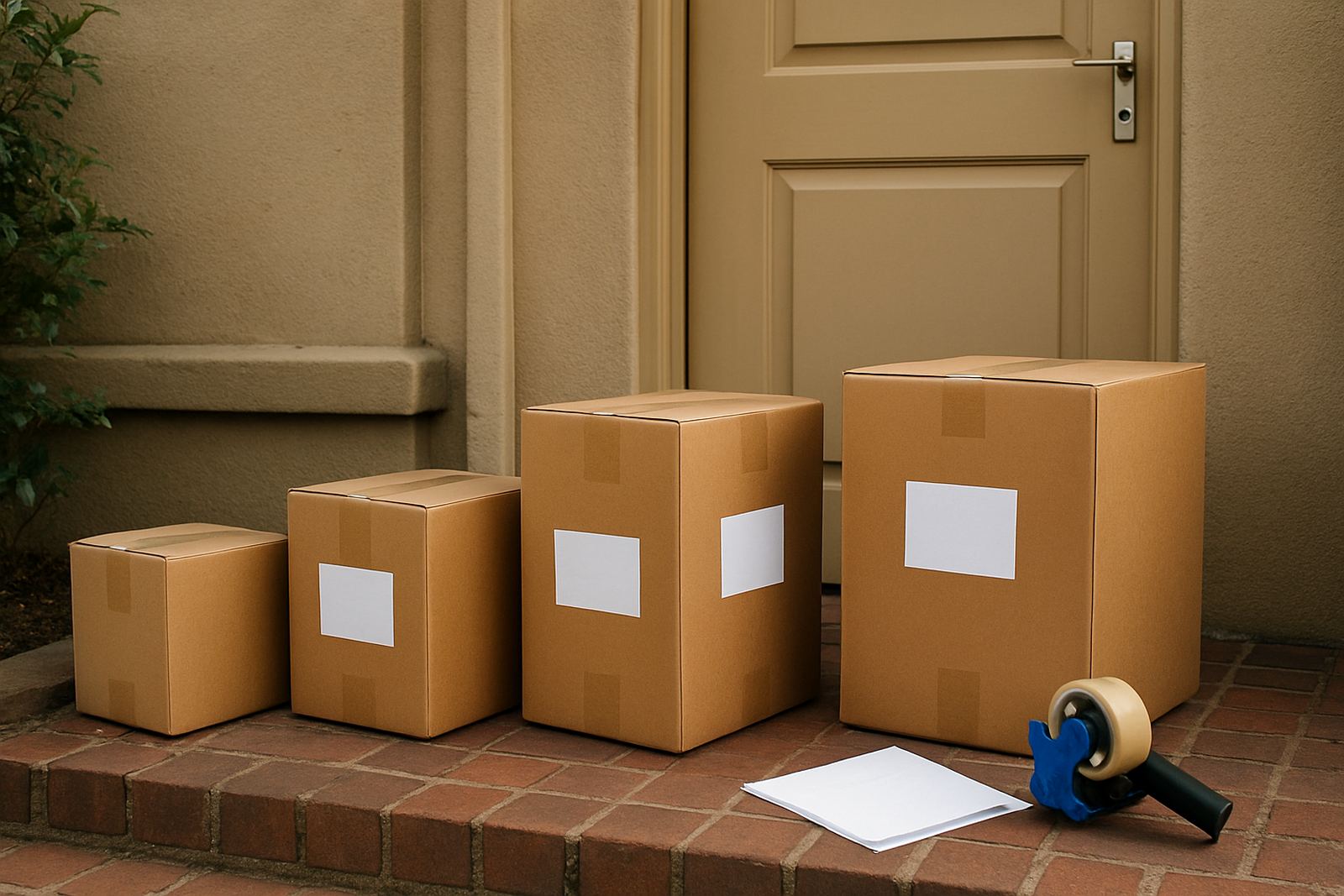
Print labels after the order is confirmed and stick them flat on the largest side of the parcel. Cover any loose edges so they do not peel during handling. If you use your own packaging, make sure it can handle stacking, loading, and a few bumps in transit. Load-shedding can slow a packing line quickly, so keep a manual backup plan for labels, tape, and printed order notes.
- Use one packing method per product type
- Keep labels readable and fixed to a flat surface
- Protect barcode areas from tape, folds and moisture
- Store spare packaging where the team can reach it quickly
4. Batch bookings to cut down admin time
Bulk booking is really about batching work into a simple routine. Rather than processing each order on its own, create a daily or twice-daily booking window. That lets your team compare rates, confirm the best delivery option, and send a group of parcels in one session. For smaller online shops, this can save a lot of time when there are 10, 25, or even 50 orders waiting to go.
A good booking routine should tell the team what to do first, who checks the details, and who releases the pickup. Keep the process the same each time so mistakes are easier to spot. If your shop has staff in different roles, one person can prepare the order file, another can check addresses, and a third can finalise the pickup request. That kind of split helps when the orders come in fast and the phone does not stop ringing.
- Set a fixed time for bulk bookings each day
- Assign one person to quality check all addresses
- Keep a simple folder for invoices, labels, and pickup notes
- Record which parcels were booked, collected, or delayed
5. Keep customers informed while the parcels move
Once the booking is in place, customers want to know two things: when their parcel will be collected, and when it is likely to arrive. Tracking support is part of good bulk order handling because it lowers repeat queries and helps your team deal with exceptions early. If one parcel is delayed, you want to know before the buyer does.
Use one clear update process for all large order runs. Let customers know when the parcel has been handed over, when tracking is live, and what to expect if the address is outside the main metro area. For shops dealing with returns collections, be just as clear about what gets collected, how it is packed, and when the item should be ready. Good communication saves time for both sides and reduces unnecessary follow-ups.
Keep a note of common delivery issues in your main service areas. For example, building access in Sandton, gate delays in Pretoria estates, or traffic pressure in Durban can all affect collection timing. If your team knows the pattern, it is easier to explain delays properly and keep the order moving.
6. Use a weekly checklist so bulk runs stay under control
A weekly checklist keeps the shipping side from slipping when sales are busy. It also helps you spot slow points in your process, like bad address capture, poor packing, or missed pickups. If you run special promotions, restocks, or payday offers, build the checklist around those peaks. A bit of planning on Monday can save a lot of stress by Friday.
For shops using multi-order processing, the main aim is to reduce rework. That means fewer parcels needing fixes, fewer calls to the depot, and fewer customers asking where their order is. Keep your checklist short enough that staff will actually use it, but detailed enough to catch the common mistakes.
- Review all orders waiting for pickup
- Check parcel counts against labels and booking notes
- Confirm that fragile and return parcels are marked correctly
- Follow up on anything still in transit after the expected window
- Update your packing stock before the next busy period
7. When to ask for help with larger shipping runs
There are times when bulk bookings become too much for a small team to handle alone. If your shop is growing, if you are shipping into several provinces at once, or if your order volume changes from one day to the next, it helps to have shipping admin support. That support can include courier comparison, pickup booking, delivery option guidance, and help with returns collections.
If you are onboarding a new shop or adding a new product range, start with a smaller batch and build from there. It is easier to fix the process before the volume gets heavy. A practical setup should fit your team, your storage space, and the towns you deliver to. Whether your parcels are going out from Woodmead, Midrand, or Sandton, the right booking routine should keep the work moving without turning into a pile of admin.
For shops that need to process larger groups of orders efficiently, the best system is the one your team can repeat every day without confusion. Keep it simple, keep it checked, and keep the courier side aligned with the pace of your store. It saves time and keeps the orders moving, which is what matters most.